
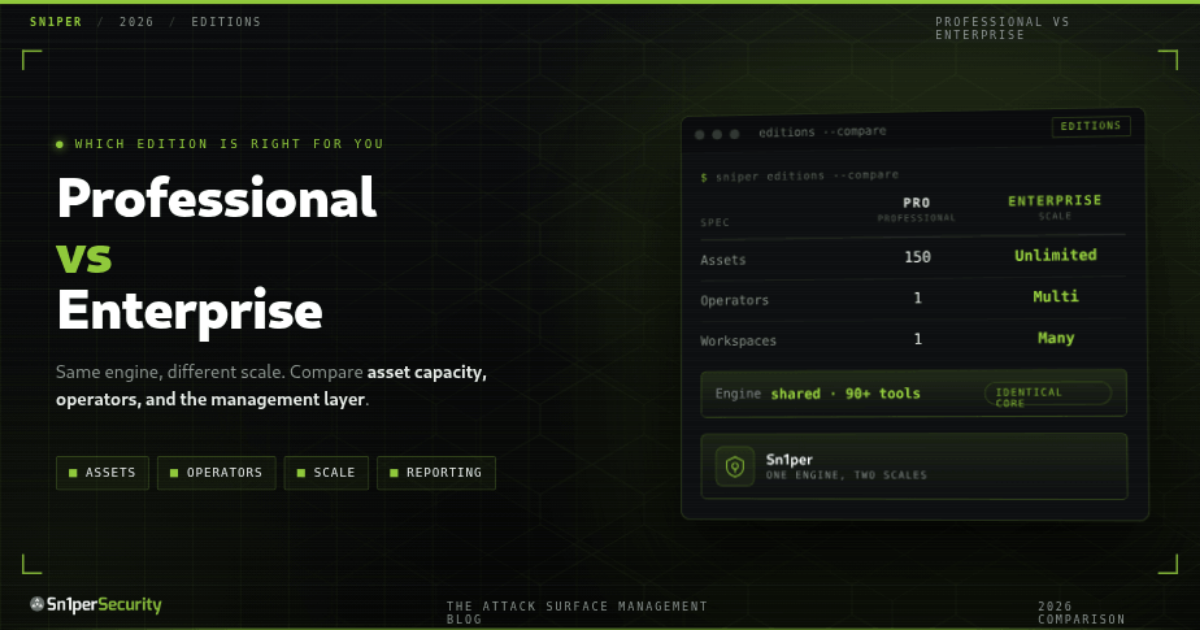

Choosing between Sn1per Professional 2026 and Sn1per Enterprise comes down to one question: how big is the surface you need to test, and how many people need to test it? Both editions run the same offensive-security engine – the difference is scale, collaboration, and the depth of the management layer on top. This guide breaks down exactly what separates them so you can pick the right fit. (Updated for 2026.)
Sn1per Professional 2026 vs Enterprise at a glance
Here is the side-by-side, by the things that actually drive the decision:
| Sn1per Professional 2026 | Sn1per Enterprise | |
|---|---|---|
| Best for | Individual operators & small teams | SOCs, MSSPs & large multi-team orgs |
| Asset capacity | Up to 150 assets | Nearly unlimited |
| Operators | Single operator | Multi-operator |
| Workspaces | Single-workspace focus | Multi-workspace / distributed |
| Web UI | Yes – Workspace Navigator, scheduled scans, reports | Yes – advanced dashboards, risk analysis, tracking |
| Data processing | Static CSV generation | Server-side dynamic processing + paging (real-time) |
| Extra tooling | Core web UI + JSON API | Visual config editor, endpoint explorer, search, OSINT panel |
| JSON API | v1.0 | API-first |
| Deployment | Docker, self-hosted | Docker, self-hosted, SOC-scale |
| Scanning engine | Shared – 90+ tools, 600+ exploits, 10,000+ detections | |
| Pricing | Fixed annual license (see shop) | Custom quote (based on scale) |
What both editions share
Before the differences, the common ground – because it is substantial. Professional and Enterprise are built on one offensive-security engine that has been self-hosted by design since 2015. Both orchestrate 90+ underlying tools, ship 600+ exploits and 10,000+ detections, perform their own active reconnaissance and validation from your egress, and run entirely on infrastructure you control via Docker. Whichever edition you choose, the core scanning, exploitation, and discovery capability is the same. You are not choosing a weaker scanner with Professional; you are choosing a smaller management layer around the same scanner. If you want to try that engine for free first, Sn1per Community Edition is the source-available command-line core.
Sn1per Professional 2026: the individual operator and small team
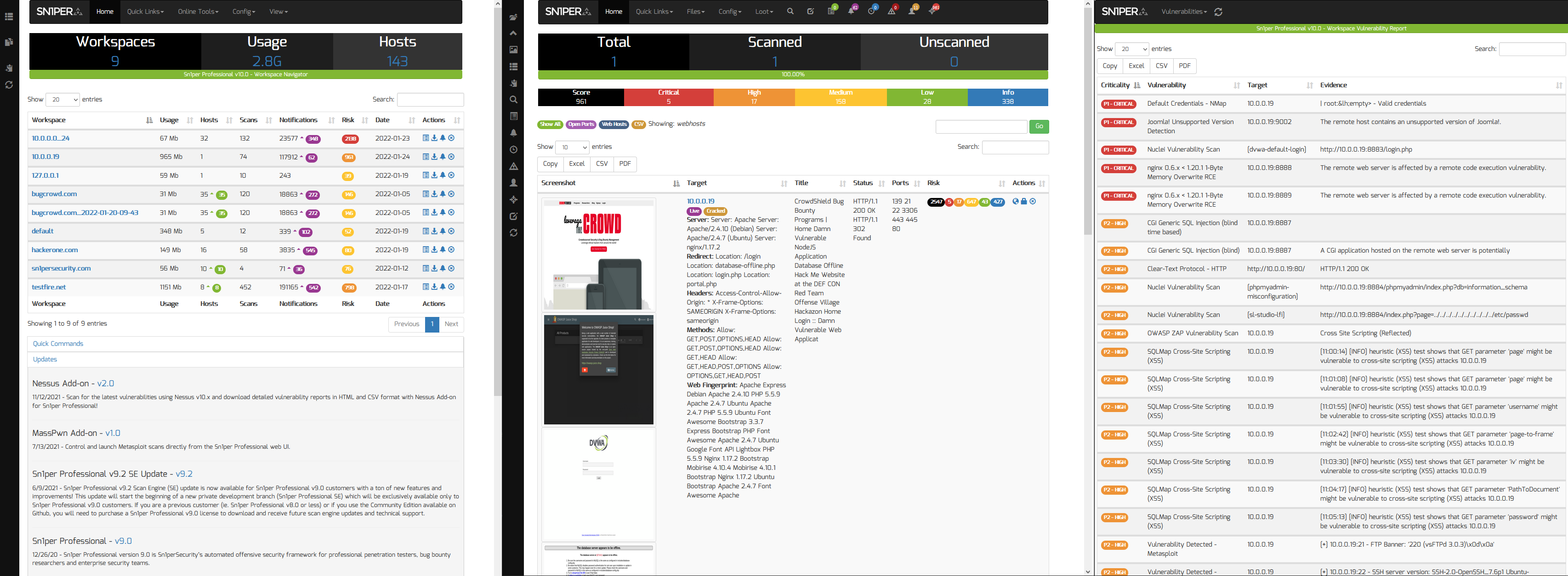
Sn1per Professional 2026 wraps the engine in a self-hosted web UI built for one person to run a real program without ceremony. It adds the Workspace Navigator, scheduled scans, exportable Workspace and Host reports, and a JSON API v1.0 for headless integration, and it stands up with a single docker compose up. It is sized for up to 150 assets, which covers the great majority of individual consultants, bug-bounty hunters, and small in-house teams. If you are one-to-a-few operators testing a defined, bounded surface, Professional is the right tool and the budget-friendly entry point.
Sn1per Enterprise: SOC-scale, multi-operator programs
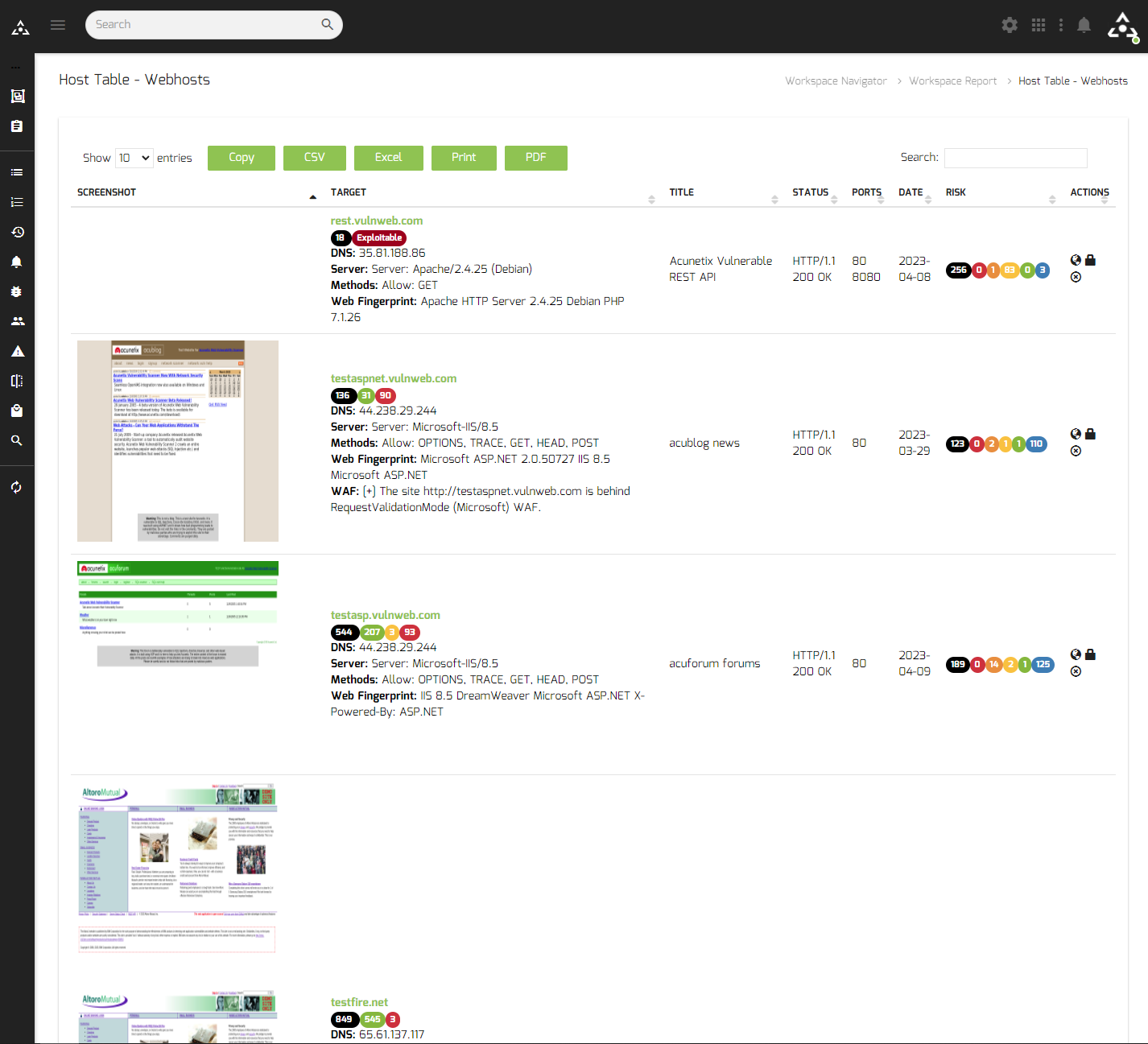
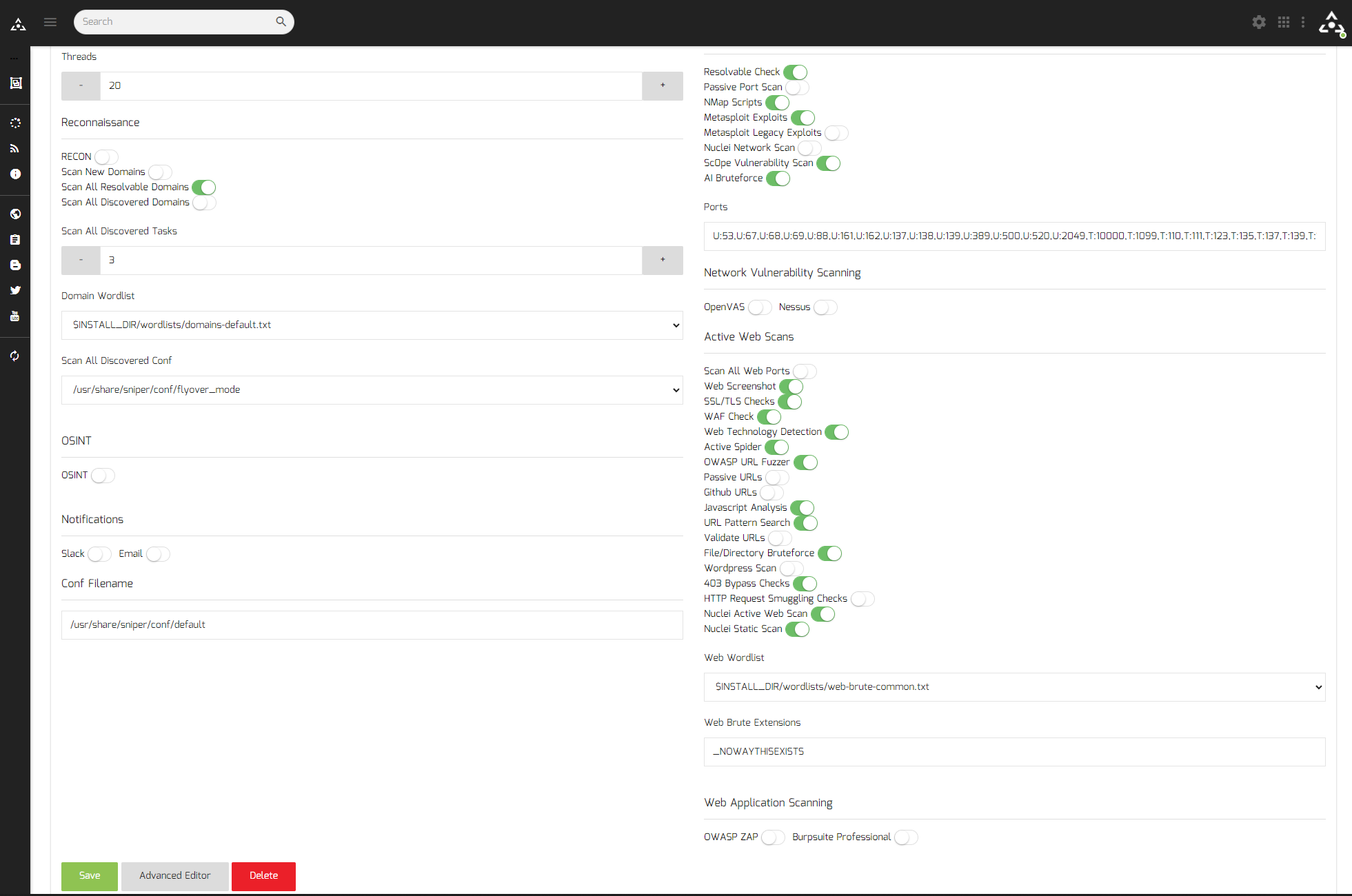
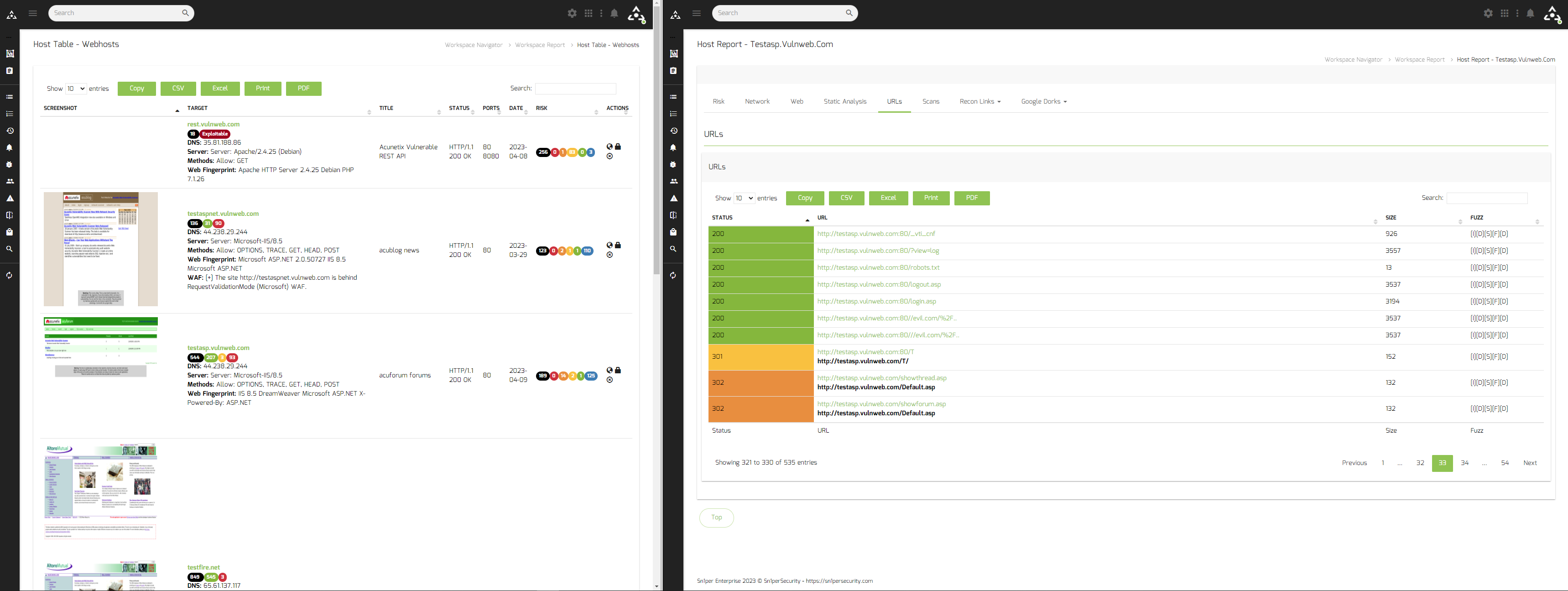
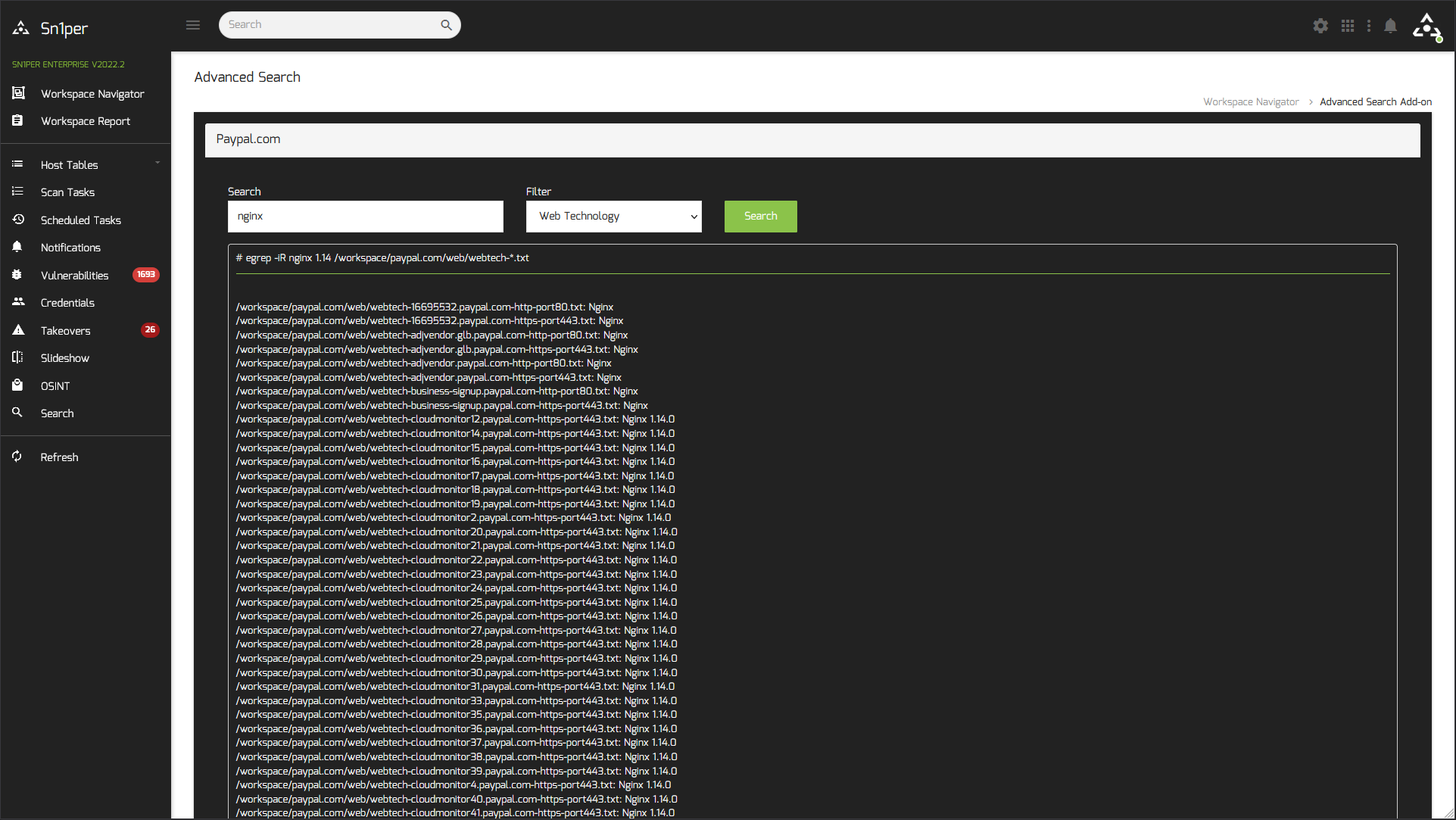
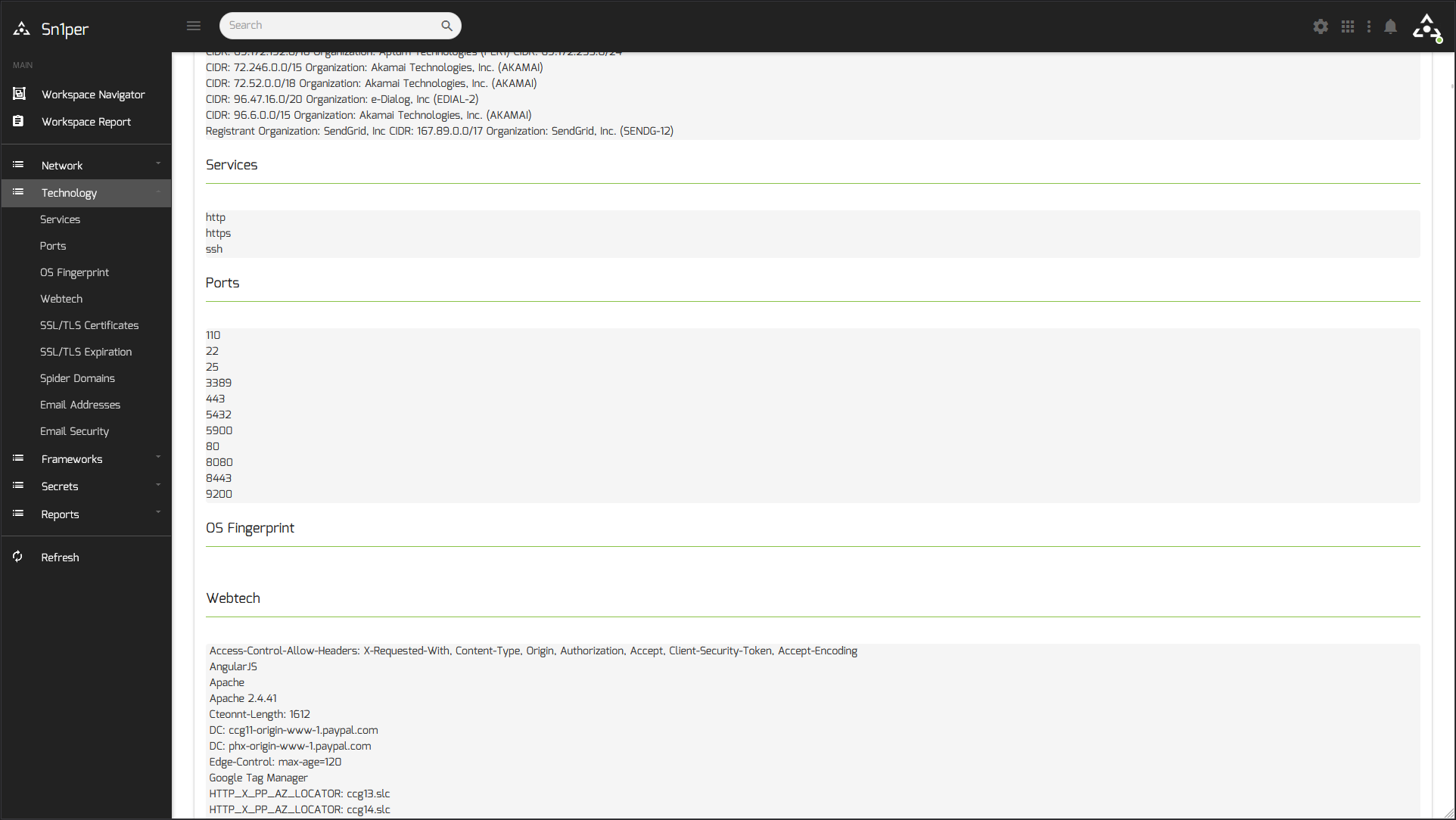
Sn1per Enterprise is the same engine at organizational scale. It removes the asset ceiling (handling a nearly unlimited surface), supports multiple operators working in parallel, and organizes work across multiple workspaces for distributed teams and large attack surfaces. On top of that it layers a far richer management surface: dashboard analytics, risk analysis, and tracking; a visual configuration editor; an endpoint explorer that surfaces every discovered endpoint; a fast Search function across your data; and an expanded OSINT panel. If you run a SOC, an MSSP, or a large security team with thousands of assets and reporting obligations, Enterprise is built for you.

Scalability and performance: the real dividing line
The clearest technical difference is how each edition handles scale. Professional generates static CSV inventory, which is simple and fast for a bounded surface but becomes CPU- and memory-intensive as asset counts climb. Enterprise replaces that with server-side dynamic processing and a paging system, so inventory updates in real time and progress tracking stays responsive even across very large surfaces. That architecture is what lets Enterprise move past the 150-asset comfort zone of Professional into the thousands without bogging down.
Enterprise-only tooling, in detail
Several capabilities exist only in Enterprise because they earn their keep at scale – when you have enough assets, operators, and findings that managing them by hand stops working.
How to choose
Strip away the feature lists and the decision is short:
- Choose Sn1per Professional 2026 if you are an individual operator or a small team, you are testing fewer than ~150 assets, and you want a capable self-hosted web UI, scheduled scans, reports, and an API at a fixed, budget-friendly annual price.
- Choose Sn1per Enterprise if you have a large or growing attack surface (well beyond 150 assets), multiple operators who need to work in parallel, and reporting, analytics, and tracking obligations that a single-workspace tool cannot meet.
- Not sure yet? Start with Community Edition (free) to learn the engine, move to Professional when you need the web UI, and step up to Enterprise when scale or team size demands it. Because the engine is shared, there is a clean upgrade path – you are adding the management layer, not relearning the tool.
Three common buyer profiles
To make it concrete, here is where most buyers land:
- The independent pentester or bug-bounty hunter. One operator, a handful of engagements at a time, a bounded scope. Professional 2026 is the obvious fit – the web UI, scheduled scans, and exportable reports cover the whole workflow at a fixed annual cost, and 150 assets is rarely a constraint at this scale.
- The scaling startup security team. Two or three people and a surface growing past a single product into cloud estates and acquisitions. This is the inflection point: start on Professional, and plan the move to Enterprise as asset counts approach the ceiling and a second or third operator needs to work in parallel.
- The MSSP or enterprise SOC. Many operators, many clients or business units, thousands of assets, and hard reporting obligations. Enterprise is the only fit – multi-workspace separation, server-side processing at scale, and the analytics, risk, and tracking layer are exactly what this profile needs day to day.
Pricing
Sn1per Professional 2026 is sold as a fixed annual license – one predictable price, no per-scan metering – and the current figure is on the shop page. Sn1per Enterprise is quoted per organization, because the right configuration depends on your asset volume, operator count, and deployment – request a quote and we will size it to your program. Both are self-hosted, so there are no usage-based cloud surprises either way.
Where each edition fits in your workflow
Whichever edition you run, it is the engine behind the same modern offensive workflows we cover across the blog: red team attack surface management, automated penetration testing, and continuous penetration testing. Professional runs those loops for one operator against a bounded surface; Enterprise runs them across a team and a large surface. The methodology is identical – the edition just sets the scale.
Frequently asked questions
What is the difference between Sn1per Professional and Sn1per Enterprise?
Both editions run the same scanning engine (90+ tools, 600+ exploits, 10,000+ detections, self-hosted). Sn1per Professional 2026 is built for a single operator or small team testing up to ~150 assets, with a self-hosted web UI, scheduled scans, reports, and a JSON API. Sn1per Enterprise is built for SOC-scale, multi-operator programs: nearly unlimited assets, multiple workspaces, server-side dynamic processing, and advanced analytics, risk analysis, and tracking.
Which Sn1per edition should I choose?
Choose Professional 2026 if you are an individual or small team under ~150 assets and want a fixed-price self-hosted platform. Choose Enterprise if you have a large or growing surface, multiple operators working in parallel, and reporting or analytics obligations. The decision is driven by scale, team size, and reporting needs, not by scanning capability – the engine is the same.
What is the asset limit in Sn1per Professional?
Sn1per Professional 2026 is sized for up to 150 assets, which suits most individual consultants and small teams. Sn1per Enterprise removes that ceiling and handles a nearly unlimited surface through server-side dynamic processing and a paging system that keeps large inventories responsive.
Can I upgrade from Professional to Enterprise later?
Yes. Because both editions share the same engine, moving up is about adding the Enterprise management layer (multi-operator, multi-workspace, advanced analytics, and unlimited scale) rather than switching tools or relearning your workflow. Contact us for an Enterprise quote when your scale or team outgrows Professional.
How much do Sn1per Professional and Enterprise cost?
Sn1per Professional 2026 is a fixed annual license; the current price is listed on the shop page. Sn1per Enterprise is quoted per organization based on asset volume, operator count, and deployment. Both are self-hosted, so there is no usage-based or per-scan metering.
Ready to decide? Compare editions on the shop page, or start free with Sn1per Community Edition.