
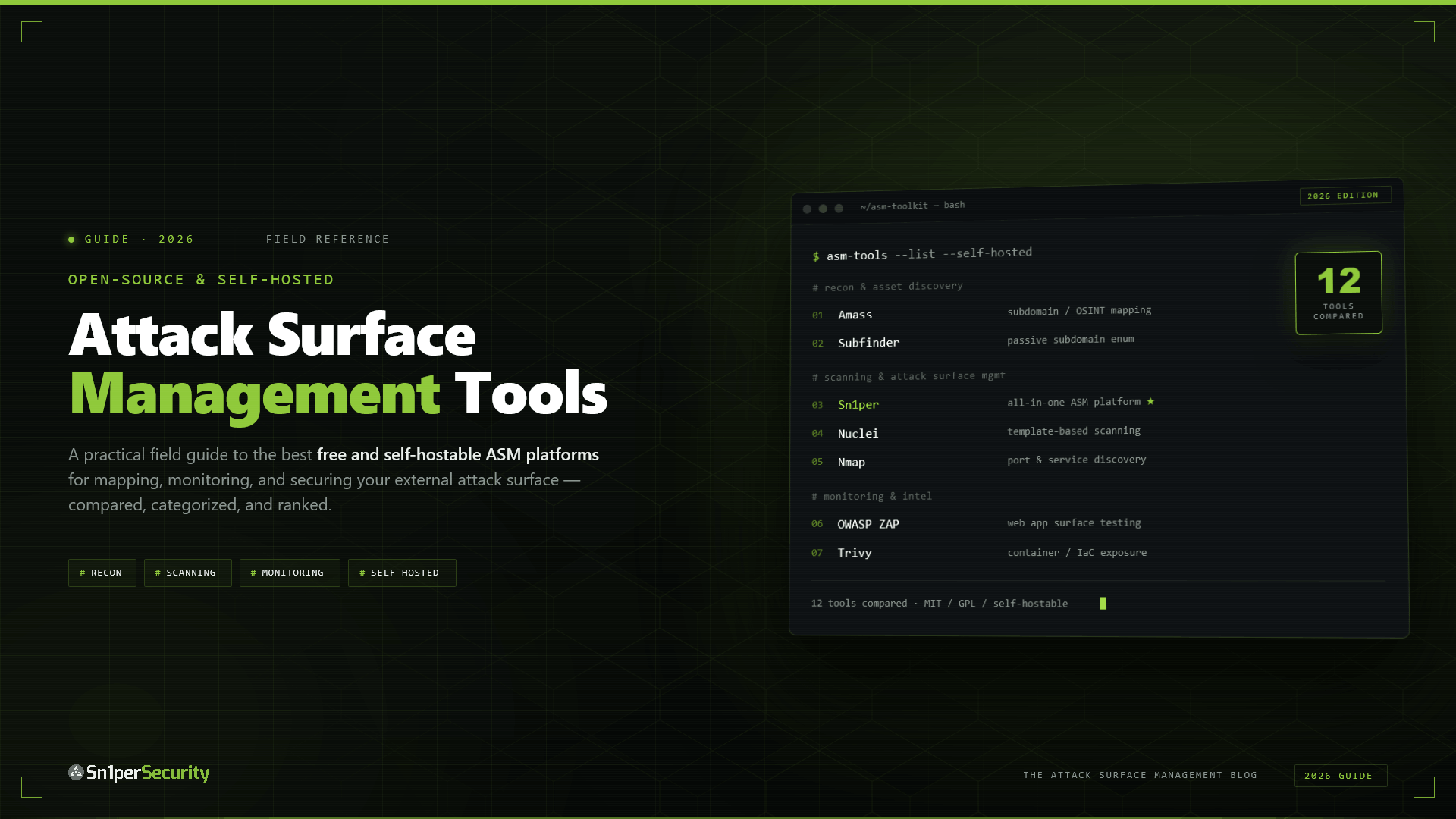

The open-source attack surface management ecosystem matured to the point in 2026 where you can assemble a genuinely capable, fully self-hosted EASM workflow without paying for a SaaS subscription – and without sending a single asset off-site. This guide maps the free and open-source building blocks, shows where they hit their limits, and explains how an all-in-one self-hosted platform like Sn1per Community Edition bridges the gap from a pile of tools to an actual platform.
It is the open-source companion to our pillar, The Best On-Prem External Attack Surface Management Platform.
Why source-availability matters for on-prem ASM
For self-hosters and regulated teams, open source is not just a budget choice – it is what makes a data-residency claim verifiable. A proprietary self-hosted tool can promise that no data leaves your environment, but you cannot independently confirm it without source access. With source-available software, any customer, auditor, or regulator can inspect the code and verify that no telemetry, usage data, or findings are transmitted externally. That is why government and defense procurement so often requires source access as a condition of approval. If you are self-hosting because data cannot leave, being able to prove it is the whole point. We unpack the sovereignty argument in On-Prem vs Cloud ASM.
The open-source ASM building blocks
A self-hosted EASM workflow breaks down into discovery, enumeration, fingerprinting, and aggregation. The open-source ecosystem covers each stage:
- OWASP Amass – the reference tool for external asset discovery and subdomain enumeration. Deeply configurable, connects dozens of data-source APIs, and runs entirely from your machine.
- reNgine – an open-source automated reconnaissance framework that orchestrates web-app recon into a self-hosted web UI.
- Nmap and Sublist3r – the workhorses for port and service enumeration and subdomain discovery; nearly every ASM workflow leans on Nmap somewhere.
- The ProjectDiscovery suite – subfinder, httpx, naabu, and nuclei have become a de facto open-source standard for subdomain discovery, fast HTTP probing, port scanning, and templated vulnerability checks. Each is self-contained, scriptable, and runs locally.
- Faraday – a collaboration and aggregation layer that pulls findings from multiple tools into one database, so newly discovered assets feed a single source of truth.
Everything in that list runs on your own infrastructure, and because each tool is open source you can confirm for yourself exactly what it does and does not transmit. For a single operator with time to wire the pieces together, it is a legitimate, zero-data-egress path to external attack surface visibility – the trade-off is the integration glue between each stage, which you own.
Where the DIY stack hits a ceiling
The honest caveat – and the open-source community is candid about this – is that stitched-together free tools hit limits exactly where a platform earns its keep:
- Reporting. Several open-source community editions deliberately hold back reporting; you can find the data but not hand an auditor a clean PDF.
- Continuous monitoring. Most CLI tools are point-in-time. Re-running them on a schedule, diffing the results, and alerting on surface changes is integration work you own.
- A unified inventory. Without a shared asset database and deduplication, you end up correlating overlapping output across a directory of text files by hand.
- Maintenance. Every tool updates on its own cadence, and keeping the stack coherent is ongoing effort.
The question every self-hoster eventually asks is whether the assembled free stack is enough, or whether a platform that does the orchestration is worth it – without giving up the data residency that made you self-host in the first place.
All-in-one and still free: Sn1per Community Edition
Sn1per Community Edition sits between the DIY stack and a commercial platform. It is the free, source-available core of the Sn1per framework, and instead of asking you to wire tools together, it orchestrates 90+ third-party security tools into a single automated workflow – reconnaissance, vulnerability scanning, exploitation, and reporting – backed by 600+ exploits and 10,000+ detections. It is used by 500+ teams worldwide and runs entirely from your command line, on your hardware, with no data leaving the host.
Install it on Kali and run an external attack-surface sweep in two commands:
# Install Sn1per Community Edition
git clone https://github.com/1N3/Sn1per.git
cd Sn1per && bash install.sh

# Automated external recon + attack-surface discovery against a target
sniper -t client-acme.com -m web
Sn1per Community Edition is the same scanning engine that powers the paid editions, so a workflow you build on the free tier carries straight up the ladder. See exactly where the line falls in Sn1per Community vs Professional.
Free, on-prem AI for web testing
AI-assisted analysis used to mean shipping your traffic to a hosted API. It does not have to. SILENTCHAIN AI Community Edition is a free Burp Suite extension that analyzes HTTP traffic for OWASP Top 10 issues and supports five AI providers – including a local Ollama runtime, so model inference stays on your machine. It is the free, on-prem AI complement to a self-hosted Sn1per workflow: automated recon and scanning from Sn1per, AI-assisted web-app analysis from SILENTCHAIN, and nothing leaving your perimeter in either case.
A reference self-hosted ASM workflow
Here is how the pieces fit into an end-to-end, zero-egress workflow. Discovery feeds enumeration, enumeration feeds scanning, and everything lands in one place – all on hardware you control:
# 1. Discover assets - subdomains and related infrastructure (OWASP Amass)
amass enum -d client-acme.com -o assets.txt

# 2. Enumerate ports and services on the discovered hosts (Nmap)
nmap -iL assets.txt -sV -oA acme-services

# 3. Automated recon + vulnerability scanning across the surface (Sn1per)
sniper -f assets.txt -m massweb -w acme

# 4. Aggregate every tool's findings into one database (Faraday)
faraday-cli tool report acme-services.xml
The first two steps are the open-source discovery layer; step three is where an orchestration platform earns its place, running 90+ tools across the whole list in one pass instead of you scripting each one; step four pulls the output into a single inventory. With Sn1per Professional, steps three and four collapse into the platform itself – the workspace is the unified database, and the web UI replaces the directory of XML files – but the free stack above is a completely legitimate starting point that never sends a packet to a vendor cloud.
Turning point-in-time tools into continuous monitoring
The single biggest gap between a free DIY stack and a commercial platform is continuity. Attack surfaces change daily – a new subdomain here, a reopened port there – and a scan you ran last quarter is a snapshot, not a monitor. The DIY answer is to schedule the workflow and diff the results yourself:
# Cron: re-run discovery nightly and alert on newly appeared assets
0 2 * * *  amass enum -d client-acme.com -o /asm/assets-$(date +%F).txt
           && comm -13 /asm/assets-prev.txt /asm/assets-$(date +%F).txt
           | mail -s "New external assets for acme" [email protected]
           && cp /asm/assets-$(date +%F).txt /asm/assets-prev.txt
That works, but you now own a small pipeline: file rotation, deduplication, alert routing, and the inevitable edge cases. This is exactly the integration burden a platform exists to remove. Sn1per Professional ships scheduled scans with daily, weekly, and monthly cadences and change-notification alerting built in, so “what is new on my attack surface since yesterday?” is a dashboard view rather than a shell script you maintain. We go deeper in Continuous Attack Surface Management with Sn1per.
Common pitfalls in DIY attack surface management
Self-hosting your ASM stack is empowering, but a few failure modes catch almost everyone the first time:
- Scope and authorization. Active scanning without written authorization is the fastest way to turn a security exercise into an incident. Confirm ownership of every asset before you scan it, and keep discovery passive until you have permission to go active.
- Getting rate-limited or blocked. Aggressive enumeration trips WAFs, rate limits, and provider abuse alarms. Throttle, and prefer passive sources before active probing.
- Drowning in duplicates. Five tools will report the same host five different ways. Without a normalization and deduplication step, your “inventory” is noise.
- Stale signatures. A self-hosted scanner is only as current as its detections and wordlists. Build a refresh step into your routine, or the surface you are measuring will outrun the tool measuring it.
- False positives with no triage path. Raw tool output is full of maybes. Budget time to verify, or pick a platform that does verification for you.
None of these are reasons to avoid self-hosting – they are the operational reality of owning the workflow. An orchestration platform absorbs most of them, since normalization, scheduling, detection updates, and triage are built in; a DIY stack hands them to you, which is a fair trade if control is what you are after.
DIY stack vs. Sn1per Community vs. Professional / Enterprise
| Capability | Open-source DIY stack | Sn1per Community (free) | Sn1per Professional / Enterprise |
|---|---|---|---|
| Self-hosted, no data egress | Yes | Yes | Yes |
| Tool orchestration | You wire it | 90+ tools, automated | 90+ tools, automated |
| Unified asset/findings database | Partial (Faraday) | Workspace-based | Multi-workspace, PostgreSQL |
| Web UI | Some tools | CLI | Self-hosted web UI + Workspace Navigator |
| Scheduled / continuous scans | You script it | Manual | Built-in scheduling |
| Exportable reports | Limited | Basic | Workspace + Host reports, CSV/PDF |
| JSON API for SIEM/CI/CD | No | No | JSON API v1.0 |
| Support | Community | Community | Vendor support |
Is the free stack enough?
For a solo operator, a researcher, or a small team running periodic assessments, the honest answer is often yes – the open-source stack plus Sn1per Community Edition covers discovery, enumeration, scanning, and basic reporting without a dollar spent or a byte leaving your host. The free tier stops being enough at a predictable set of moments: when you need to prove coverage to an auditor with clean reports, when point-in-time scanning has to become continuous monitoring with change alerts, when more than one person needs a shared view of the same inventory, or when you want findings to flow automatically into a SIEM or ticketing system instead of living in text files. Those are capability boundaries, not data-residency ones – crossing them with the paid editions buys orchestration, scheduling, reporting, and scale while keeping every byte on infrastructure you control.
When to graduate from free to paid
Stay on the open-source stack or Sn1per Community Edition while you are a single operator doing point-in-time assessments and can live with CLI output. Move to Sn1per Professional 2026 when you need the self-hosted web UI, scheduled and continuous scanning, exportable reports for stakeholders, and the JSON API to push findings into your own SIEM and ticketing. Step up to Sn1per Enterprise when you are running a SOC: multiple operators, many workspaces, unlimited targets, API-first. Every step keeps the data on your infrastructure – you are buying orchestration, scheduling, reporting, and scale, not giving up residency.
Start self-hosting today
Pull Sn1per Community Edition and run your first self-hosted external attack-surface scan, add free on-prem AI web testing with SILENTCHAIN AI Community Edition, and when you outgrow the CLI, compare the paid editions on the shop page. The whole stack, free or paid, runs in your perimeter.
Frequently asked questions
What are the best open-source attack surface management tools?
OWASP Amass for asset discovery and subdomain enumeration, Nmap and Sublist3r for port and service enumeration, reNgine for automated web recon, and Faraday for findings aggregation are the core open-source building blocks. Sn1per Community Edition is a free, source-available all-in-one option that orchestrates 90+ such tools into a single automated workflow.
Is there a free self-hosted attack surface management platform?
Yes. Sn1per Community Edition is a free, source-available platform that runs entirely on your own hardware, orchestrating reconnaissance, vulnerability scanning, and attack-surface discovery from the command line with no data leaving the host.
Why choose open-source ASM tools over a SaaS platform?
Open-source and source-available tools let you verify, by reading the code, that no telemetry or findings are transmitted externally – which makes a data-residency claim provable rather than just promised. That verifiability is often a procurement requirement in government and defense.
Can I add AI to an open-source ASM workflow without using the cloud?
Yes. SILENTCHAIN AI Community Edition is a free Burp Suite extension that supports a local Ollama runtime, so AI analysis of web traffic runs on your machine. It complements a self-hosted Sn1per workflow without sending any data to a third-party API.